Time tracking for freelancers & self-employed professionals
 How does simple time tracking for freelancers and self-employed professionals work in everyday practice?
In this interview, we answer typical questions about the TYPELOG Worktimer – from starting, pausing and switching projects to offline use, backups and changing devices.
Track working time without losing the overview
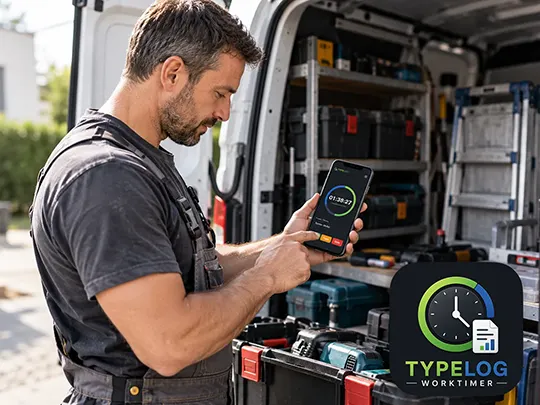 Anyone who works for several customers or on multiple projects knows the problem: at the end of the day, you may have to reconstruct when a particular task started, how long a break lasted or how much time was actually spent on a specific project.
The TYPELOG Worktimer therefore focuses on a simple workflow: select a project, start tracking your working time, pause when necessary and stop at the end. The following interview covers the questions a freelancer may realistically ask before using this type of time-tracking tool.
A freelancer asks | TYPELOG answers
Why TYPELOG Worktimer?
I work for several customers and regularly lose track of what I did and when. What exactly does the TYPELOG Worktimer solve for me?
The Worktimer is designed to take exactly this work off your hands. You can simply start, pause and stop your working time. Break times are recorded as well. You can also create different customers and projects and assign your recorded times accordingly. This makes it easy to see how much time you actually spent on individual jobs.
Key features
There are many time-tracking apps. What is different about the TYPELOG Worktimer, especially if I do not want another subscription?
The TYPELOG Worktimer is purchased once and can then be used permanently. There are no monthly or annual subscription fees for normal use. The Worktimer also runs locally on your device. You do not need a cloud service or a permanent internet connection for normal time tracking.
Data storage
If no cloud is required, where is my data stored?
Your working times, projects and settings are stored locally on the device you are using. For normal use, the data is not automatically transferred to a TYPELOG cloud or an external server.
Tracking time in the background
Does the browser have to remain open throughout my entire working time?
No. Once working time has been started, that status is retained. You can close the browser and open it again later. The running period continues to be taken into account and only ends when you pause or stop the working time.
Change of day
What happens if I start tracking time in the evening and it continues past midnight?
The Worktimer automatically takes the change of day into account. A new calendar day starts at 00:00 while the running working period continues to be recorded.
Customer and project management
Freelancer:
Suppose I work for Customer Miller in the morning and then for Customer Smith. How do I handle this, and how do I switch between different customers and projects?
You can create customers and projects as required. For example, you may first work for Customer Miller from 8:00 to 9:00. You then start a break. Afterwards, you select the next saved project – for example Customer Smith – and continue working there. Once created, projects remain saved and can be selected again at any time.
Break times
What about breakfast breaks, lunch breaks or other interruptions?
Breaks can be started and ended directly while time tracking is running. This means you do not have to reconstruct them from memory later or manually deduct them from your working time.
Time-tracking backups
If everything is stored locally, what happens if my device fails?
This is what the backup function is for. The stored data can be saved as a JSON backup and restored later. Backup files can, for example, be used for individual customers, individual projects or an entire data set. However, it is important to remember that a local application does not replace automatic cloud backup. You should therefore regularly store an up-to-date backup on an additional storage device or in another secure location.
Changing devices
For example, I want to move from an old computer to a new device. Do I have to start from scratch?
No. You create a backup of the current data on your existing device and restore this backup on the new device. The latest backup therefore also serves as the current data set that allows you to continue working on another device.
Difference from cloud platforms
What is the biggest limitation compared with a large professional cloud platform?
The TYPELOG Worktimer is deliberately not a comprehensive platform with native apps for every operating system and central cloud synchronisation. The application is based on an HTML file and runs in the browser. On Windows and Android, a convenient launcher icon can additionally be configured. On other systems, the HTML file is opened directly in the browser. Depending on the device, this may be slightly less convenient when starting the application than a fully native app. In return, the application remains simple, local and largely independent of the operating system being used.
Who is the TYPELOG Worktimer intended for?
Who do you think benefits most from the tool?
The Worktimer is primarily intended for freelancers, self-employed professionals, tradespeople and other individual users who want to document their own working times in a clear and traceable way. Especially when several customers or projects are handled in parallel, it can later be difficult to determine how much actual working time was spent on individual activities. The workflow is therefore designed to remain as simple as possible: select a project, press Start, pause when necessary and stop the working time at the end.
Who is the Worktimer not intended for?
Are there also situations for which you specifically did not design the TYPELOG Worktimer?
Yes. The Worktimer is not intended as a central personnel and working-time management system for larger companies with many employees. It does not replace a complex enterprise solution with central employee management, user accounts, approval processes or automatic cloud synchronisation. The focus is on personal time tracking for self-employed professionals and freelancers.
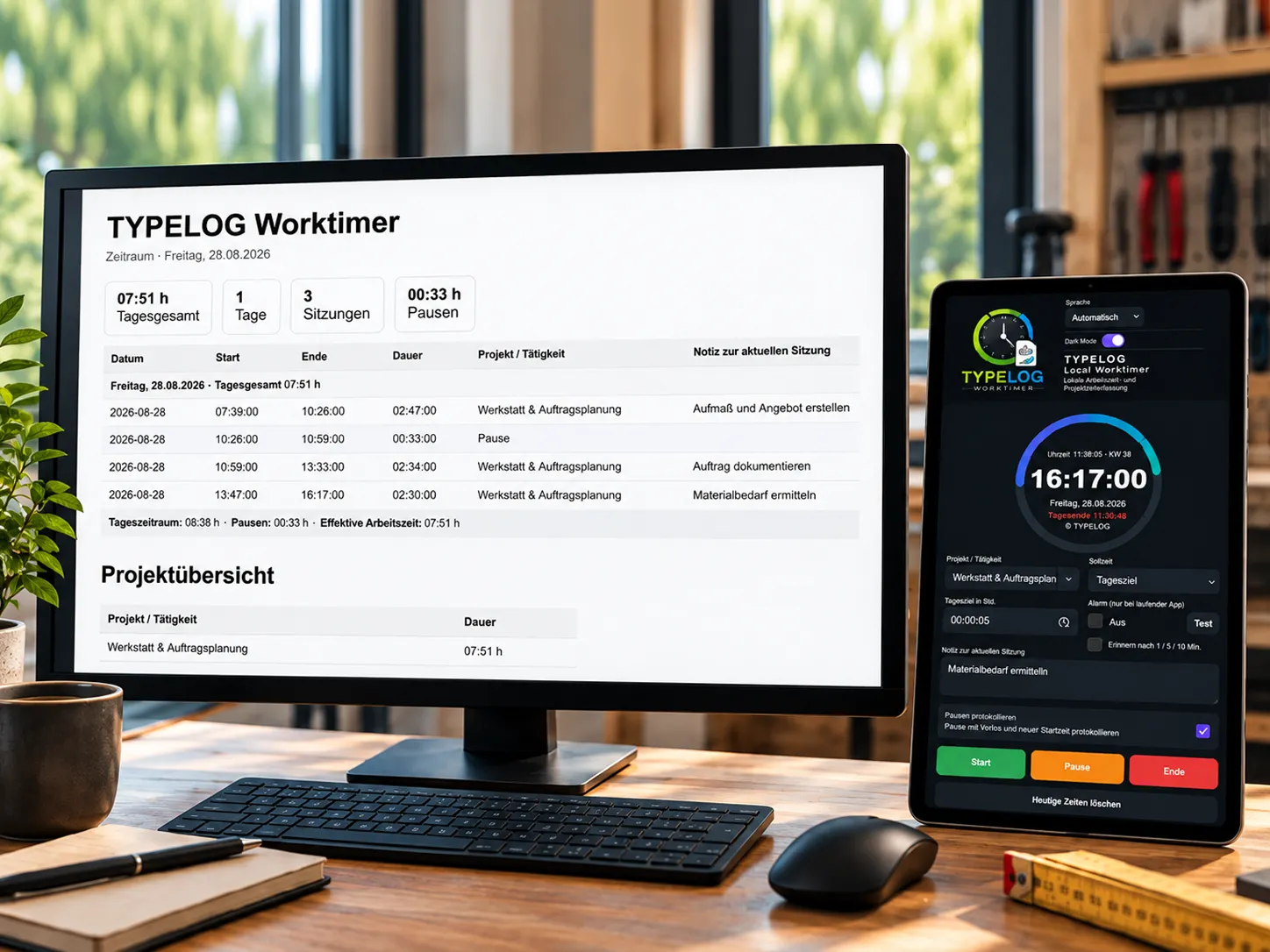
Track working time instead of reconstructing it later
The TYPELOG Worktimer combines working-time tracking, breaks, projects, a calendar and evaluations in an application that runs locally.
The recorded working times can then be analysed further and exported in various formats.
TYPELOG Worktimer
Press Start. Get to work. Keep track of your time.
For freelancers and self-employed professionals who want to track their working time simply, locally and without an ongoing software subscription.